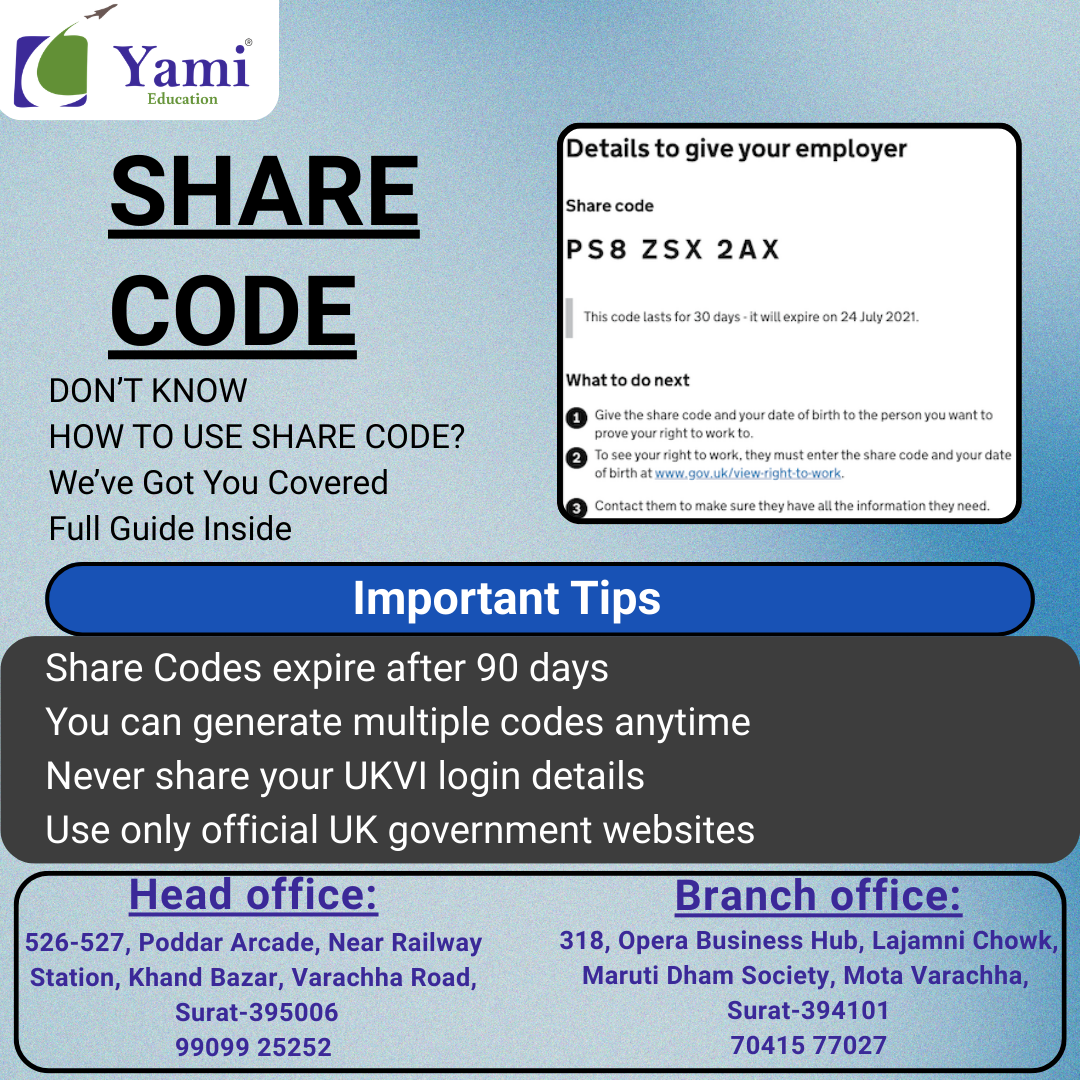
How to Access, Create, and Use a UK Share Code (Complete Guide)
Introduction
A UK Share Code is an official digital code that allows you to prove your immigration status online. It is commonly used to show your Right to Work, right to Rent, or Right to Study in the UK without sharing physical documents.
If you have an E-Visa, BRP, or UKVI online status, you can easily generate and share a code with employers, landlords, universities, or other organizations.
This guide explains step-by-step how to access, create, and use a UK Share Code.
What is a Share Code?
A Share Code is a temporary 9-character code issued by UK Visas and Immigration (UKVI). It allows third parties to securely view your immigration status online.
👉 Key Features:
- Valid for 90 days
- Secure and official verification
- No need to show physical documents
- Easy to generate anytime
Who Needs a Share Code?
You may need a Share Code if you are:
- An international student in the UK
- A worker with a UK visa
- A dependent visa holder
- Someone with an E-Visa or digital immigration status
👉 Common Uses:
- Employment verification
- Renting a house
- University admission checks
- Immigration status proof
Requirements Before Creating a Share Code
Make sure you have:
- UKVI account login details
- Passport or BRP number
- Date of birth
- Access to email or phone for OTP verification
How to Access Your UKVI Account?
- Visit the official UK government website.
- Open “View and Prove Your Immigration Status.”
- Click Start Now.
- Login using:
- Passport number / BRP
- Date of birth
- Enter OTP received on email or phone.
After login, you will see your immigration status dashboard.
How to Create a Share Code (Step-by-Step)?
- Login to your UKVI account.
- Select Prove Your Status.
- Choose the reason:
- Work in the UK
- Rent in the UK
- Other verification
- Click Generate Share Code.
- A 9-digit code will appear on screen.
- Copy or download the code.
How to Use a Share Code?
Once generated, you can share the code with:
- Employers
- Landlords
- Universities
- Government departments
👉 The person verifying your status must:
- Visit UK government Share Code checker page
- Enter your Share Code
- Enter your date of birth
- View your immigration details securely
Important Tips
- Share Codes expire after 90 days
- You can generate multiple codes anytime
- Never share your UKVI login details
- Use only official UK government websites
Conclusion
A UK Share Code makes it simple to prove your immigration status digitally. Whether you are a student, worker, or dependent, generating a Share Code takes only a few minutes through your UKVI account. Always keep your details updated and use official government websites for security.
Leave a Comment
Your email address will not be published. Required fields are marked *
Recent Posts





Consult with Us